
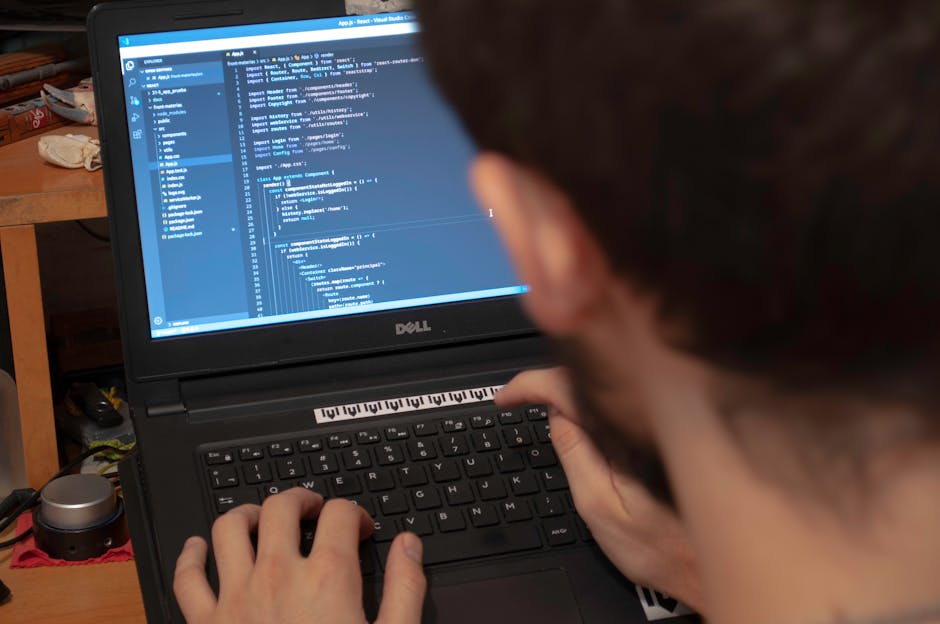
LifeQuest awards full XP for a coding quest only after it finds a qualifying GitHub push made after that quest was created. Create the quest before opening your editor, finish the work, push it to a public GitHub repository, then ask LifeQuest to verify the result.
At 9:42 p.m., Eli was sitting in a Discord study room with three classmates and a mug of tea he had reheated twice. Their build-along challenge sounded manageable: add input validation to a small budgeting app before everyone logged off.
This is an invented scene, but the pressure is familiar. Eli had promised himself he would finish one useful coding task that night. If he got distracted again, the unfinished branch would join the stack of half-built projects already making him question whether he was improving at all.
Create the coding quest before the first commit
Before opening his editor, Eli created a LifeQuest goal for improving his JavaScript skills. Under it, he added a Craft quest with a concrete finish line: validate empty and negative expense entries, then push the completed change to GitHub.
That order mattered.
LifeQuest checks for a qualifying push made after the coding quest was created. A push from earlier that afternoon could not prove he completed this specific quest after accepting it. The quest establishes the starting line; the later push supplies evidence that work crossed it.
This also forces a useful decision before the coding begins. “Work on the app” leaves plenty of room for bargaining. “Reject empty and negative expense entries, then push the change” gives Eli something he can finish, inspect, and verify.
AI might write an integration in minutes, yet messy real-world constraints still decide whether the work counts. The repository must be public because LifeQuest reads public GitHub events. The GitHub username must be linked correctly. The quest must belong to the Craft domain. Most importantly, the push must come after quest creation.
That sequence turns intention into a record.
Let the push carry the proof
At 10:31 p.m., Eli’s validation worked for empty fields but failed when someone entered a negative decimal. The Discord room had gone quiet. One classmate had already posted a screenshot of a finished feature, and Eli could feel the temptation to push the partial fix, claim the win, and clean it up tomorrow.
If he did, the quest’s stated outcome would remain unfinished. If he kept debugging, he might miss the end of the build-along and finish the night with nothing recorded.
He reopened the failing test.
The problem was a string conversion happening before the validation check. Eli changed the order, ran the test again, and watched it pass. With the other cases green, he committed the completed change and pushed it to GitHub.
LifeQuest does not inspect private repositories or ask for a GitHub token. Linking uses a public GitHub username, and verification looks for a qualifying public push after the quest’s creation time. GitHub events may be cached for up to five minutes, so a push can be real before it becomes visible to LifeQuest.
Eli checked immediately. No qualifying push appeared.
For one uncomfortable beat, the full XP was still uncertain. The code existed. The push had happened. The verification source had not surfaced it yet.
He waited, discussed the bug with the remaining classmate, and tried again a few minutes later. LifeQuest found the push and awarded full XP.
Full XP marks stronger evidence
Eli could have completed the quest through honest self-report at any point and received half XP. That option always remains available because some useful work cannot be verified objectively.
For this quest, GitHub provided a stronger method. The push had a timestamp, followed the creation of the quest, and matched a completion method intended for Craft work. Full XP reflected the quality of that evidence.
This distinction protects the meaning of progression without pretending GitHub proves everything. A push shows that repository activity occurred. It cannot judge whether the code is elegant, whether Eli understood every line, or whether the feature belongs in production. LifeQuest makes a narrower claim: the public event offers better evidence of completed coding activity than a generic checkbox.
That principle also explains why verification methods vary by quest. A focus session can use elapsed server time. A physical task may suit photo review. Coding can use a qualifying GitHub push. When objective proof makes little sense, self-report preserves progress at half XP. Jordan’s sketch photo shows why one proof method cannot answer every question.
Set up your next build-along before Discord gets busy
At 10:38 p.m., Eli posted one short message in the Discord room: validation fixed, tests passing, push verified. Then he closed the editor with a completed quest in his history and full XP added to his Craft progression.
For your next build-along, define one result small enough to finish in the session. Create the Craft quest first. Confirm that your public GitHub username is linked, and push only when the stated work is complete. If verification checks too quickly, give GitHub’s public event feed a few minutes before trying again.
The useful ritual takes less effort than reopening another vague, abandoned task: quest first, editor second, finished push last.
Comments
No comments yet.